Microsoft To Do alternative
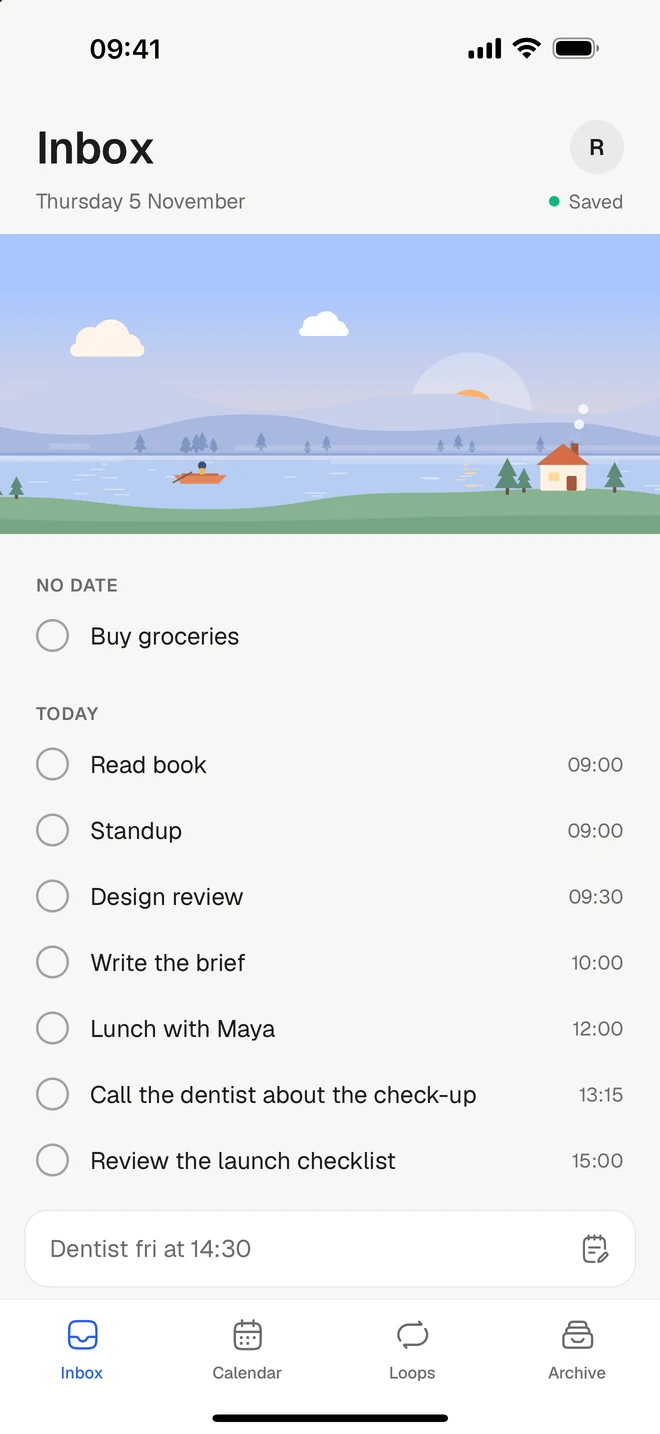
Microsoft To Do is a simple free list that lives close to Outlook. Tickleaf is a simple list too, with a calendar, loops and a timer beside it, on iPhone, Android, Mac and the web.
Free to start. Checked against Microsoft To Do’s own pages on Monday 9 November 2026.

The short version
Stay with Microsoft To Do if
- You work in Outlook, and flag emails to turn them into tasks
- You share lists and hand out tasks to other people
- You want everything free, with an Apple Watch app too
Try Tickleaf if
- You want your tasks on a calendar, by day, week and month
- You repeat things and like to see your week fill in
- You’d like a timer, and routines that walk you through steps
Side by side
Microsoft To Do’s column comes from their own website, checked on Monday 9 November 2026. If something has changed, write to hello@ketryon.com and we’ll fix it.
| Feature | Tickleaf | Microsoft To Do |
|---|---|---|
| Platforms | TickleafiPhone, Android, Mac and the web | Microsoft To DoiPhone, iPad, Android, Mac, Windows, the web and Apple Watch |
| Price | TickleafFree. Plus is 39 kr a month or 299 kr a year, with 14 days to try it | Microsoft To DoFree, with a Microsoft account |
| Type it the way you’d say it | TickleafYes. “Dentist fri at 14:30” gets its day and time | Microsoft To DoOn Windows and iPhone: “tomorrow 5pm”, “every Monday” |
| A calendar beside your tasks | TickleafYes. Your Google Calendar alongside, with Plus | Microsoft To DoNot in the app itself. In Outlook, you can drag a task onto your calendar |
| Reminders | TickleafYes, on the web and Mac. On your phone with Plus | Microsoft To DoYes. One-time or recurring reminders, free |
| Things you repeat | TickleafYes. Loops, with no streaks to break | Microsoft To DoYes, repeating tasks |
| Routines, one step at a time | TickleafYes | Microsoft To DoSteps inside a task, ticked off as a list |
| A timer on the lock screen | TickleafYes, on iPhone and Android | Microsoft To DoNot mentioned on their pages |
| Home and lock-screen widgets | TickleafYes | Microsoft To DoYes, on the home screen |
| Projects, priorities and labels | TickleafNo, on purpose | Microsoft To DoLists, groups, tags and a starred Important list |
| Shared lists | TickleafNo | Microsoft To DoYes. Shared lists, and tasks assigned to people |
Sources: Planner questions, System requirements, Smart due dates, To Do in Outlook, Shared lists, App Store. Checked Monday 9 November 2026.
What’s different
Your calendar
Your day, laid out.
Tickleaf’s calendar shows your tasks by day, week or month. With Plus, your Google Calendar sits beside them. In To Do, the calendar lives over in Outlook.
Loops
A week you can see.
What you repeat lives as a loop, with a week that fills in as you go. Skip a day and the week carries on.
Focus
A timer when it’s time.
Start a timer on a task, or play a routine step by step. It stays on the lock screen, with a sound to work to if you like.
Moving over
There’s no big move to plan. Most people start like this.
- 1Write down todayMicrosoft’s help pages don’t describe a way to export To Do tasks, so keep To Do open beside you and write today’s tasks into Tickleaf.
- 2Bring what you repeatAdd the things that come back as loops: every day, every other Tuesday, the 1st.
- 3Let the rest waitAnything without a day waits in your Inbox until you give it one.
Questions
- Is Microsoft To Do going away?
- Not as far as Microsoft has said. Its Planner questions page says the new Planner has no impact on To Do.
- Is Tickleaf free?
- Yes. Every view, quick add and loops are free on every device. Plus is 39 kr a month or 299 kr a year, with 14 days to try it.
- Does Tickleaf work with Outlook?
- Not directly. Tickleaf shows your Google Calendar, with Plus. If your day runs in Outlook, To Do may suit you better.
- Can I bring my To Do tasks over?
- Not automatically. Start with today in Tickleaf, and add the things you repeat as loops.
Last checked Monday 9 November 2026. Microsoft To Do is a trademark of its owner. This page is ours, not theirs.